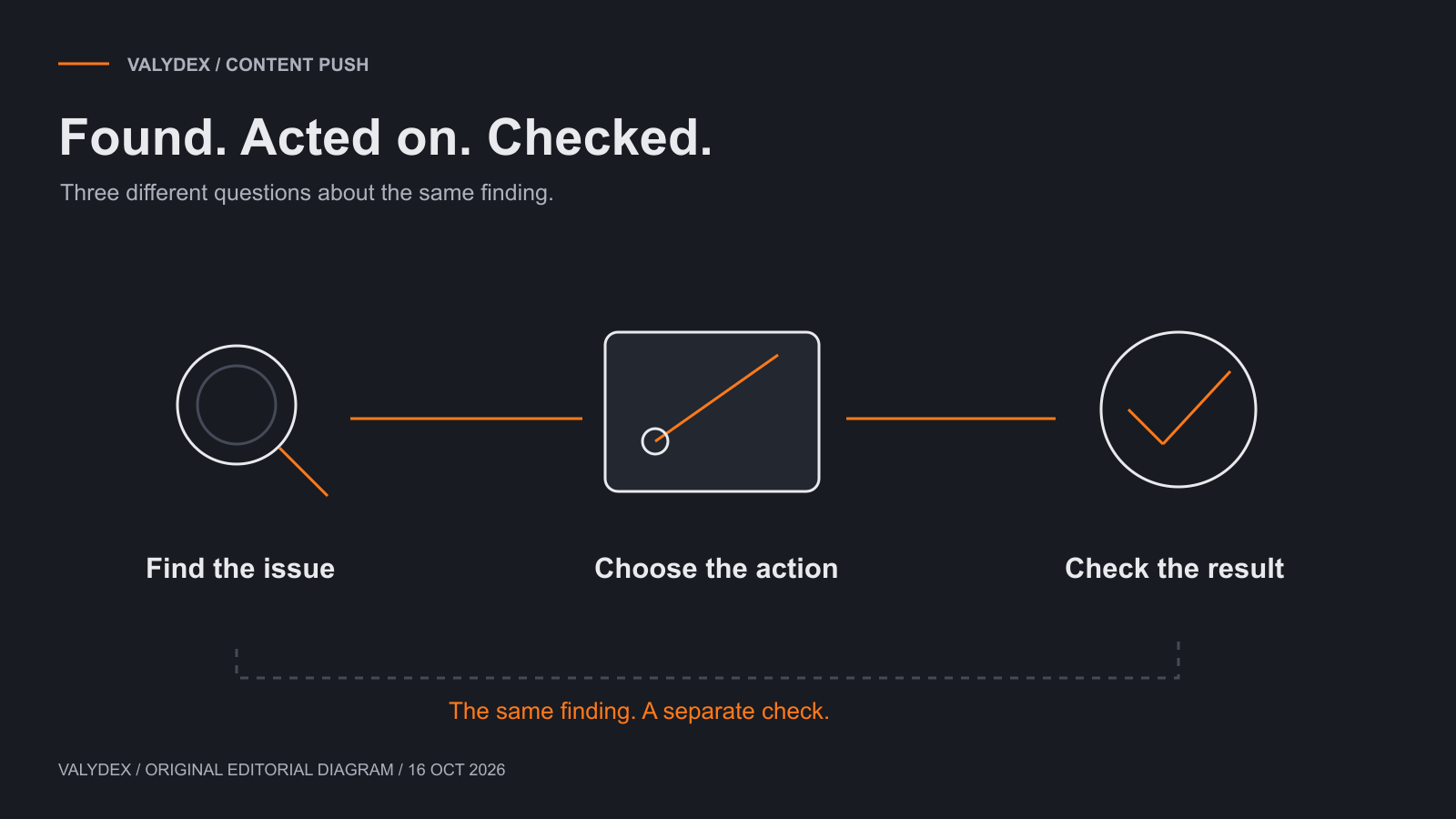
A vulnerability report can tell you what needs attention. An update job can tell you that software was installed. Those are useful observations, but they answer different questions. The practical work is connecting the finding to an action, then checking whether that action addressed the original issue.
In small-business deployments, choosing another tool is often easier than deciding who owns that chain of work. Before comparing subscriptions, look at the part that is missing. Does the team lack visibility, a reliable way to apply updates, or time to follow up on the results?
Quick Overview
| Job | What it answers |
|---|---|
| Find | What weaknesses are visible within the systems and checks covered? |
| Prioritize | Which findings deserve attention first in this business? |
| Act | Which update, configuration change or other response is appropriate? |
| Check | Did the action address the finding, and what remains unresolved? |
Last updated: October 16, 2026
Key takeaway
What is the difference between scanning and patch management?
Vulnerability scanning looks for weaknesses within a defined scope. Patch management organizes the deployment of software updates. A complete operating process also decides what matters, handles findings that do not have a suitable patch, and checks the result after action.
The product categories are not clean dividing lines. Some tools combine several stages, while others concentrate on assessment or deployment. That is why “we have a scanner” and “we have patching” are incomplete descriptions of the work being done.
For example, a scanner may identify an issue on a system the team cannot update immediately. The next step might be a planned change, a configuration adjustment or a temporary control while the owner works out the right response. A software update is one useful action, not the answer to every finding.
Finding, deciding, acting and checking
The four jobs need a connection between them. Otherwise, a report can become a list that grows without changing the systems behind it.
Start by establishing what was actually checked. An assessment of a defined group of computers does not automatically describe every network device, remote machine or application used by the business. Keep the scope visible when discussing the findings.
Next, put the finding in context. Who uses the affected system? What access does it have? Can it be updated during normal support hours? A technical severity label helps inform the discussion, but it does not remove the need to understand the business dependency.
The action then needs an owner. That person may apply an update, arrange a supplier change, adjust a configuration or escalate a system that is no longer supported. If action has to wait, record why and when the decision will be revisited.
Finally, check the relevant outcome. An update marked complete can be useful deployment information, but the original question was whether the weakness had been addressed. Match the follow-up to that question rather than closing the work solely because a job ran.
Where do Nessus and Action1 fit?
Nessus Professional and Action1 help illustrate the overlap between assessment and operating work. They should not be treated as interchangeable purchases with a single universal winner.
Tenable positions Nessus Professional as vulnerability-assessment software. Its value in the buying discussion is the assessment work you need covered. That leaves a separate question about how the team handles the resulting actions.
Action1 describes endpoint vulnerability discovery, prioritization and remediation. Calling it “only a patch deployment tool” would miss part of its current positioning. The relevant comparison is the assets, software and operating steps covered in the selected deployment.
| Criterion | Nessus Professional buying question | Action1 buying question |
|---|---|---|
| Main job | Does the planned assessment cover the systems and checks we need? | Does the managed-endpoint process cover the detection and update work we need? |
| Access and setup | What reachability, credentials and configuration do the selected checks require? | Which devices can be enrolled and managed under the current platform requirements? |
| Findings | How will the team review and assign the assessment results? | How will the team review detected issues alongside available actions? |
| Remediation | Who handles updates or configuration changes after the assessment? | Which supported actions can be managed here, and what still belongs elsewhere? |
| Follow-up | What check will answer whether the finding was addressed? | What does deployment status establish, and what additional confirmation is needed? |
These are selection questions, not a benchmark scorecard. Check the current requirements for the exact systems involved before turning a broad feature label into a coverage promise.
If the immediate question is licensing, use our Nessus pricing guide. For Action1's deployment and operating context, read the Action1 review. Keeping those questions on their dedicated pages makes the comparison easier to maintain.
What can fall outside the coverage?
Coverage depends on the systems included and the way the product is deployed. A managed laptop, a network appliance and an application operated by an outside supplier may need different arrangements.
Keep an inventory that is useful for this decision. It should distinguish devices the team manages directly, devices managed by somebody else, and systems whose status is still unclear. That is more informative than assuming an employee count equals the number of assets covered.
Remote devices deserve attention too. Establish how they report and receive actions under the selected product's requirements. Do not assume that a device visible in an old inventory is current or able to receive an update now.
The same applies to application coverage. Operating-system updates are not the whole software estate. Ask about the applications that matter to the business, and identify any updates that remain a supplier or manual responsibility.
Where coverage is unknown, mark it unknown and assign the next step. Quietly counting it as complete makes the eventual report look more reassuring than the work behind it.
A simple example: one laptop and one appliance
Consider a hypothetical business laptop with an application update available, alongside a network appliance with a configuration issue. This is an illustration of the process, not a client incident or a claim about either vendor.
For the laptop, the responsible administrator checks the application and the proposed update, chooses an appropriate time, and applies it through the supported management process. The follow-up checks that the relevant version and original finding are consistent with the intended result. If the action fails or needs a restart, the work remains open until that has been handled.
For the appliance, there may be no application update that addresses the configuration question. Its owner needs to review the setting, the operational effect of changing it and the supplier's guidance. The response might be a configuration change or another suitable control. It should not be marked resolved merely because the laptop's update job completed.
Both items can belong in the same operating process without requiring the same tool or action. What joins them is ownership and a follow-up that answers the original finding.
Is another scan useful after patching?
A follow-up assessment can be useful when it checks whether the original issue remains within the relevant scope. The important part is comparing like with like, not simply generating another report.
Check whether the follow-up used the expected systems and access. If those differ, the result may be answering a different question. A report that no longer lists a device does not establish that the device's previous finding was fixed.
Keep the operating process proportionate. The team does not need to turn every routine update into a research project. It does need a sensible way to confirm important actions and follow up when the result is unclear.
Choose the workflow your team can operate
If the main problem is inconsistent updates on a supported set of managed computers, improve that update process first. Define who handles exceptions and how staff are informed about interruptions. Buying a broader assessment tool will not make that daily work disappear.
If the business lacks an assessment of the wider environment, define that scope and arrange the appropriate review. Make sure somebody can deal with the findings rather than treating delivery of a report as the end of the service.
If the products exist but nobody has time to review results or finish the actions, the gap is operating capacity. A clearer support arrangement may be more useful than another subscription. Ask the IT provider what they own, what the business owns and which work requires a separate change.
For costs, compare the service you intend to run. Licensing, setup, access, support and continuing follow-up all matter. Action1's free-edition page currently states a free boundary for the first 200 endpoints; confirm the applicable terms before using that in a purchasing decision. A free software allowance does not remove the work of administration.
Frequently asked questions
Related Articles
Action1 patch management review
consider the managed-endpoint operating requirements.
Endpoint protection guide
distinguish this work from detecting and responding to activity on devices.
- Nessus licensing and pricing: establish the edition and purchase scope.
- Action1 patch management review: consider the managed-endpoint operating requirements.
- Endpoint protection guide: distinguish this work from detecting and responding to activity on devices.
If it is unclear which gap comes first, the free Valydex assessment can help organize the next conversation with your IT provider.
Choose your next security priority
Use the free assessment to organize the next conversation with your IT team.
Start the free assessment